Another week, another post! This last week I got hit with the crud going around, so that set me back a bit. Fortunately, I’m over the worst of it now, so back at it!
Life has been hitting fast and hard, so catching up on the backlog! I’m getting tires rotated on one of the trucks, so a perfect opportunity to work on a couple posts!
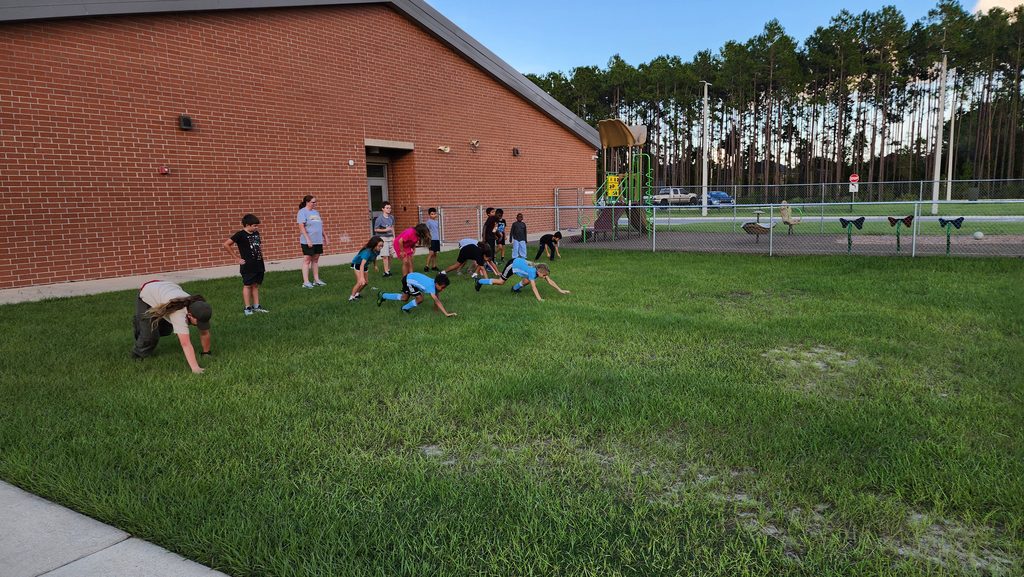
Shenanigans at Cub Scouts! Jarek is helping out as a den chief with the pack.
I’ve been working on a new plugin for post notifications. A few of you have responded to the initial email, so yay! Hopefully, this will facilitate notifications of new posts! You can even sign up to get notifications without making an account!
Get new post notifications by email
Enter your email address and confirm the message we send you.
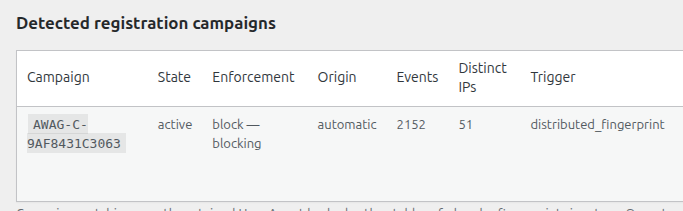
In other plugin news, I have also set up a new plugin that has been live testing for a while and has proven effective at keeping spam bots away from the site, so there is that!
Over 2,100 bot attempts and counting blocked!
I have also been working on a maintenance tracking app that integrates with Nextcloud. That is a replacement for an Android app that I once had, but which is no longer supported. The goal of this app is to, among other things, track vehicle repairs and mileage, but also remind on other tasks around the house.
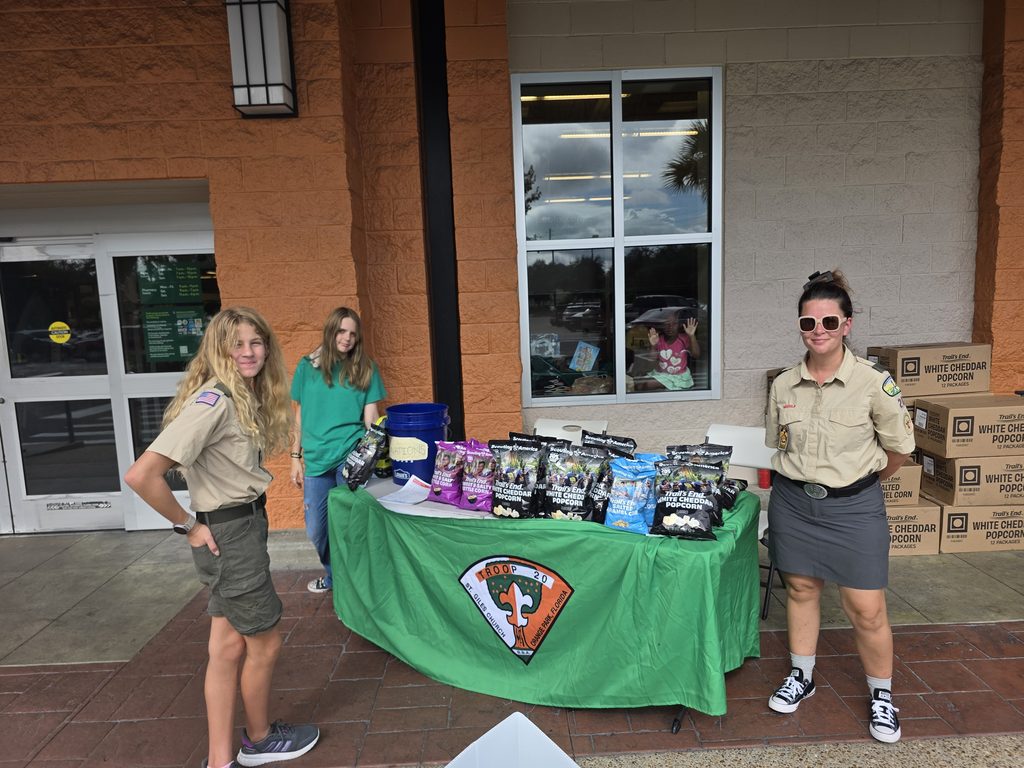
Jarek and I had a somewhat slow weekend selling popcorn for Scouts – the Blue Angles were in town and the Air Show put the kibosh on our foot traffic. At any rate, we are down to 14 bags of popcorn and then we are done with this fundraiser for the year. So far, Jarek has sold over $4,000 worth of popcorn!
I also have another project in the works, a distributed computing project using the computers here at the house. More on that later once I get it fully working.
Tomorrow I will get back to making our regularly scheduled catch up posts!
I wanted to do a dear diary post before too much more time goes past. I’ve been working on several projects that have been published, such as Activity Relay and Activity Relay Directory, and I have a couple WordPress plugins that about ready to be published as well.
With feedback from my parents, who are on a slower internet connection, I used AI to build a plugin that renders raw video into much more streaming friendly formats – the ArgentWolf Video Processor (AWVP) plugin. Version 1.0 does all of the rendering on server, so for if you are self hosted like myself, it’s nice to use your hardware to do the rendering and it doesn’t require any API tokens or subscriptions.
The next level, and continuing my efforts to explore the Fediverse (a term that refers to open, free, and distributed social media), is leveraging PeerTube. I set up a PeerTube instance at https://video.argentwolf.org, where you can check out recent videos that I’ve uploaded to the blog. PeerTube has a couple nice features, such as automatic captions, transcoding, better streaming options, and the ability to use ‘runners’ to do these jobs. Runners are clients on various computers that do a job and part of the processing, and now that we have a couple additional computers around for the kids, I’ve set up runners on their workstations, so when they are idle, which is most of the time, they can be useful for other things.
You will notice that the videos here recently are served up a bit differently. They are embedded from the PeerTube instance, and not WordPress’ native video interface. AWVP 2.0 allows me to do all my video uploads through WordPress, configure the metadata, and send it to the runners for transcoding without leaving WordPress’s editor interface. AWVP 2.0 is in the Release Candidate (RC) status right now, and as I get through my backlog of posts and test it a bit more, I expect to publish the new version soon, perhaps this weekend or next week.
Work continues on another plugin, Argent Wolf Post Notifier, which will fill a gap I have of properly notifying users of new posts, again in a proper self hosted manner without external services.
One of the annoying things about WordPress, and enabling user registration is the spam bots hammmering your site. So, time for another plugin! Argent Wolf Access Guard is designed to thwart these bot attempts. No captchas or other things necessary. So far, it has blocked nearly 1,000 attempts to create a spam account on the site. This protection also leverages my Argent Wolf Email Verification Plugin, which, if a spam account does register, it is prevented from fully activating the user until a verification email is clicked. And since they don’t use real email addresses, they never verify, and the accounts are deleted after seven days.
This will also tie into the over watch program, Argent Sentinel (not a WordPress Plugin), which can block the offending IPs at the firewall automatically on configured servers. This is a self learning and protecting methodology across all protected hosts to defend against malicious IPs/hosts.
The home network continues to grow and be refined. I have set the kids up with workstations on Ubuntu connected to a SAMBA domain controller, and leveraging ZFS, they can log into any computer and have their profile and home directory synchronized via ZFS snapshots. The practical effect is that they can go to any workstation, log in, and it is transparent to them which computer they are on, compared to my experience with Windows machines where the profiles didn’t truly roam and when you saved things on a computer, they didn’t necessarily follow you unless you saved it on your embarrassingly small network drive.
I’ve also gotten into the Minecraft hosting business. A client wanted a Minecraft server set up for their group, so I had some extra capacity on the server, and set that up for them. I also set up a family Minecraft server using Pterodactyl and Wings. Pterodactyl is the control plane and Wings are the ‘nodes’ that run the server. I put the family Minecraft server on one of the workstations, and that has been working out well. That way the kids can leverage what I set up for the infrastructure, without impacting the server. I bought the workstations bit higher spec just for this purpose.
With the software releases I’ve been doing, I make announcement posts. When the posts on the blog are reshared by my Friendica (https://friendica.argentwolf.org/profile/alan/conversations), the server gets a lot of traffic in a big burst. Friendica (and PHP) didn’t handle that so well, so yesterday I, with the help of my AI tech support, set up caching on Nginx which has greatly reduced that problem. We had to make sure that the caching only affected some of the Friendica endpoints, and not the other parts which should not be cached. This allowed me to unblock the GoToSocial clients which, for whatever reason, really liked to hammer the instance and previously caused PHP timeouts/overloads.
GitHub had an outage on their runners a while back, so not to be deterred, I now have my own Forgejo instance (a self hosted GitHub replacement), which I am slowly migrating all of the projects over to it. One of the nice things, is that like PeerTube, it uses runners to do the jobs and can take advantage of the additional available workstations to quickly process jobs in parallel and much faster than what is provided by GitHub (for free, anyway) to do the various code actions and build the packages.
I’ve also taken to making a couple tweaked docker images for Jellyfin. Jellyfin is the media server software that allows us to stream our videos and music to devices. There are two issues that have come up. One is that with a relatively large library, the SQLite version of Jellyfin tends to crash and get hung up, which is inconvenient and it only does that when I’m away and the wife needs it to work so the kids will leave her alone. Switching to the experimental PostgreSQL edition, a much more robust database back end, fixed that problem. FFMPEG, which Jellyfin uses, recently had a security vulnerability, which while fixed in newer editions of Jellyfin is still present in the operational PostgreSQL editions. So I made some images that use a fixed (I’d say patched, but we just disabled the offending codec which caused the remote code execution CVE). Then there is a bug having to do with time precision, where PostgreSQL is more precise than the SQLite version, resulting in every library scan to reflect several thousand updates when nothing actually changed. This was fixed in later editions, 12.2, but that version isn’t ready yet with the PostgreSQL integration. So I backported that fix to 10.11.11 and built an image with all the fixes. Those can be found here: https://github.com/thystra/jellyfin-security-images The awsec2 images currently have those fixes in them.
I have a couple other projects in work – a maintenance tracking app for Nextcloud and a home school management program, but those are still early. Right now I’m focusing on finishing the infrastructure build out and protective measures for the spam bots and performance tuning.
So, the work continues and I’m now working through my backlog of posts while getting through these infrastructure updates, here at the homelab of Theseus. Between the homelab, homeschool, homesteading, sports, Scouts, and other activities, dull moments are rare around here!
That’s about it for now. My journaling time is done, and I have a bunch of chores and things to do! Until next time!
I took advantage of a cool day to install a WiFi AP on the front of the house to provide coverage to the front yard. As I’ve been up in the attic a bunch, it was not much trouble to run the cable.
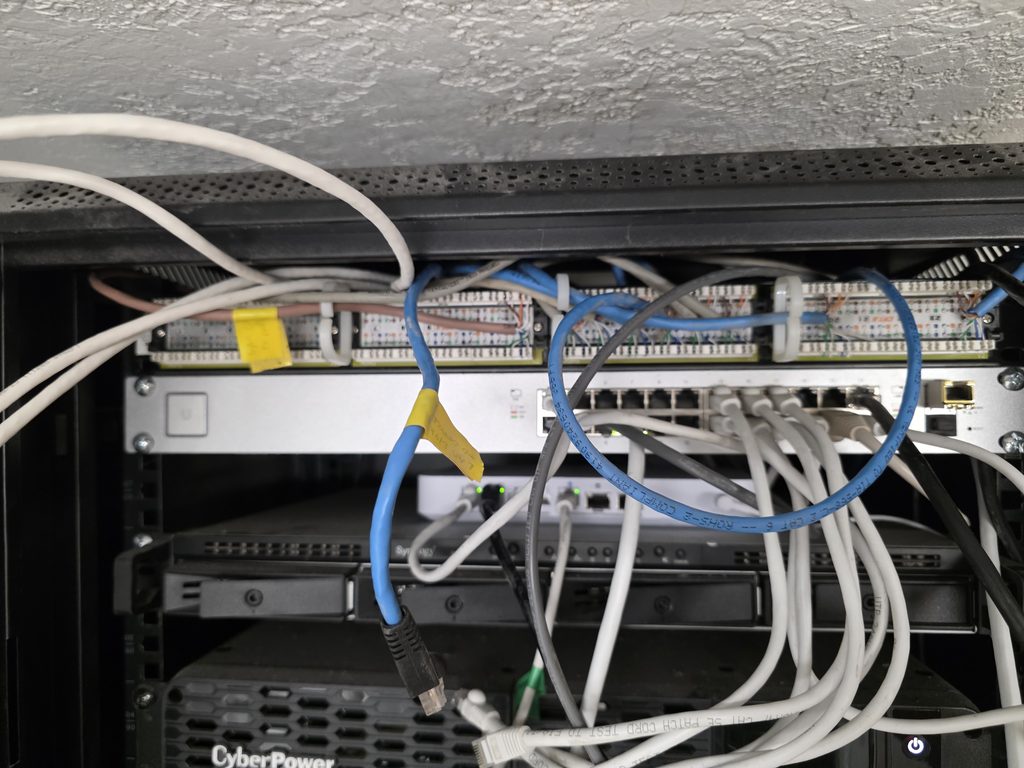
I also took some time to clean up the patch panel which had become a bit of a spaghetti mess over time. Unfortunately, there is still one cable run that had a problem, so I still need to troubleshoot that, but the rest of them were good!
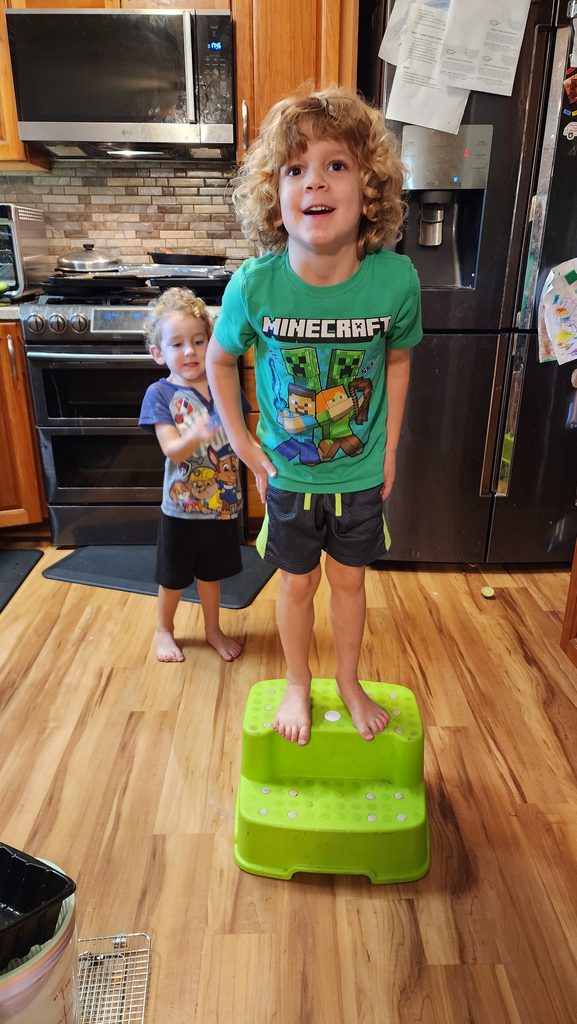
Garrett and Randal being goobers in the kitchen!
Saryia and Rosalina are on clean up duty in the weed patch!
As it was a Monday, we also had all the usual fun with Music Lessons and Scouts!
Today was another sales day. We went to another Publix in northern Jacksonville. It was a bit of a different experience here, but the biggest issue was battling the attitude with the kids. Arya wasn’t doing herself any favors with being grumpy and pissy with things. She did a bit better after eating, but overall it wasn’t that great of a location for us; we sold about half of what we would have expected.
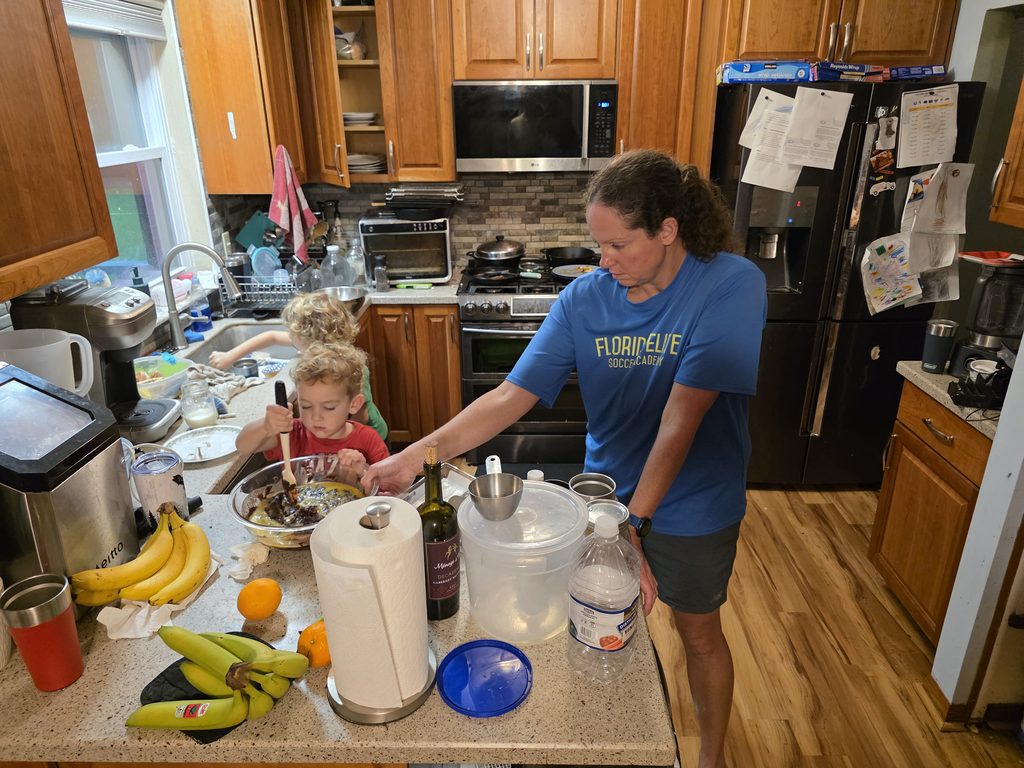
Back on the home front Garrett and Randal help make breakfast! They are great helpers and love to help cook!
Up early in the morning to get chores done, I found this massive spider web in the yard. It was pretty impressive!
After chores, we were off to sell Popcorn for a Scout fundraiser. It started out a bit slow, and both Arya and her partner got a bit heat sick as we were getting blasted by the sun for the first hour, until it got high enough to shade us.
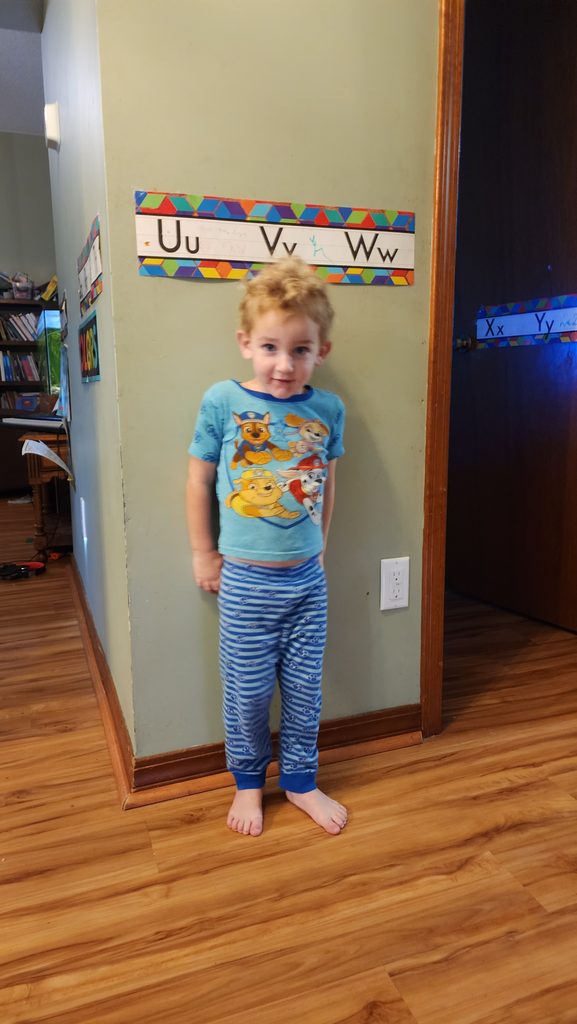
Meanwhile, shenanigans are afoot! Little buddy is getting bigger all the time!
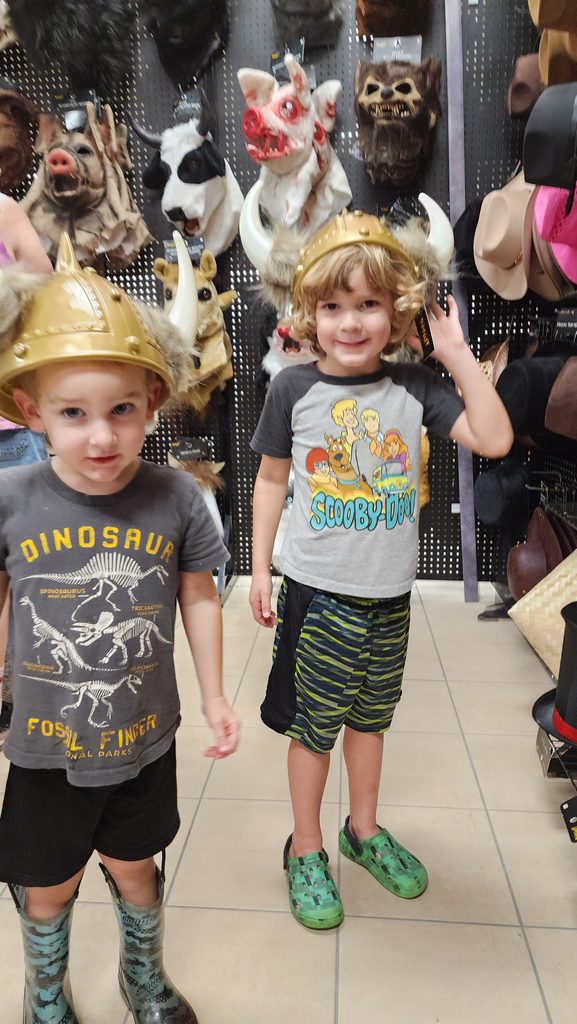
Meagan took the kids to a Spirit Halloween store. Garrett and Randal had a great time getting scared by the animatronics and checking out all the cool things!
Our little viking warriors were checking out the gear to ensure they were fully equipped!
Garrett and Randal have fun with the trash can monster at Spirit Halloween! They got over their fear of the displays and were having fun scaring themselves!
Garrett is having a great time learning about and playing with the candy bowl!
Evan and Meagan got to practice early, and started doing some drills. Meagan made Evan a bet that if he blocked more shots than her, she would do his dishes(!). Sadly, he did not succeed.
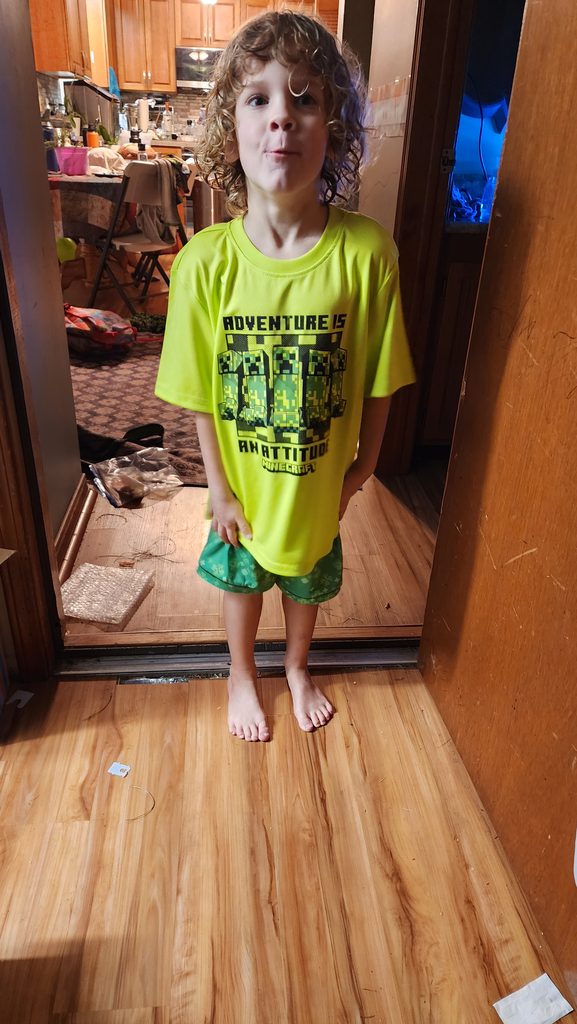
Garret being a goober, as usual of course.
The other notable thing that happened today was our Ninja toaster oven started to go on the fritz. Which was rather disappointing and only then did we find out how much we really relied on it.
Drippy Friday
4 Sept 2026
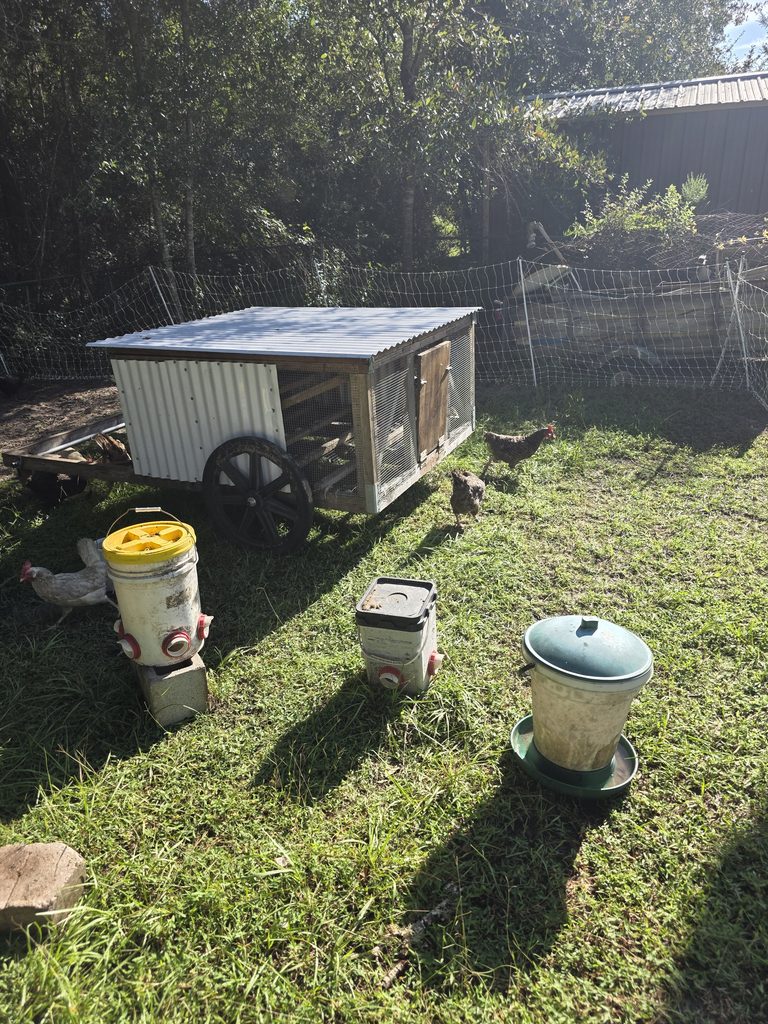
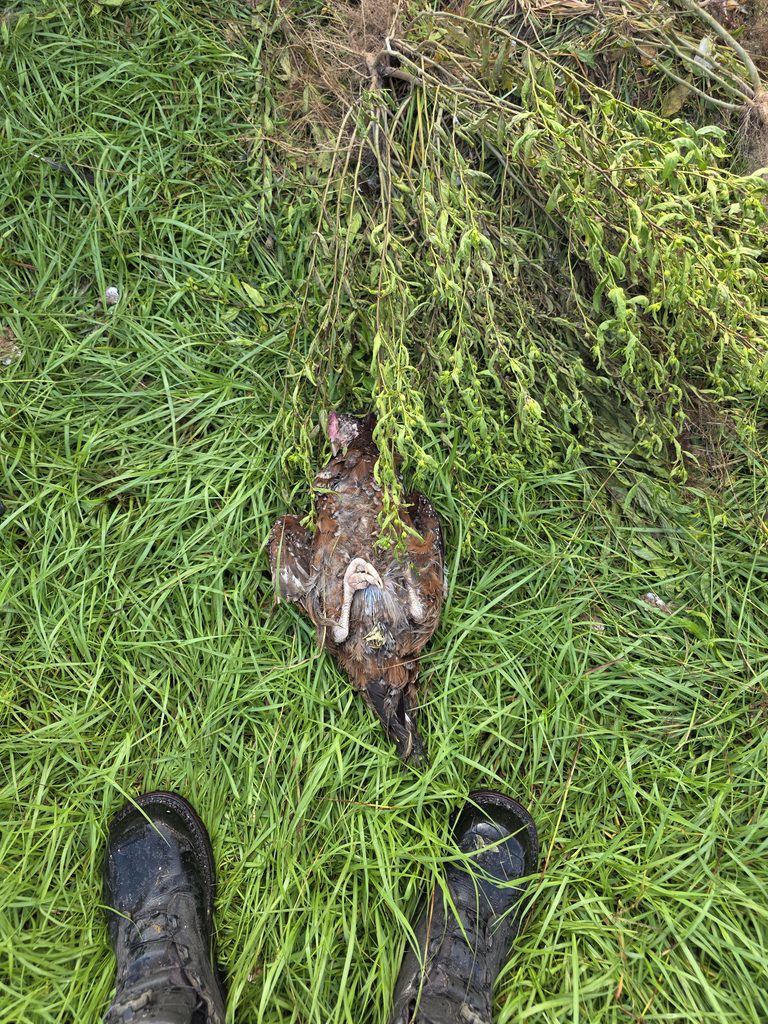
Nothing quite like going out to the chickens and finding one randomly dead in the morning. No apparent signs of struggle or injuries.
Wildly crazy loud geese!
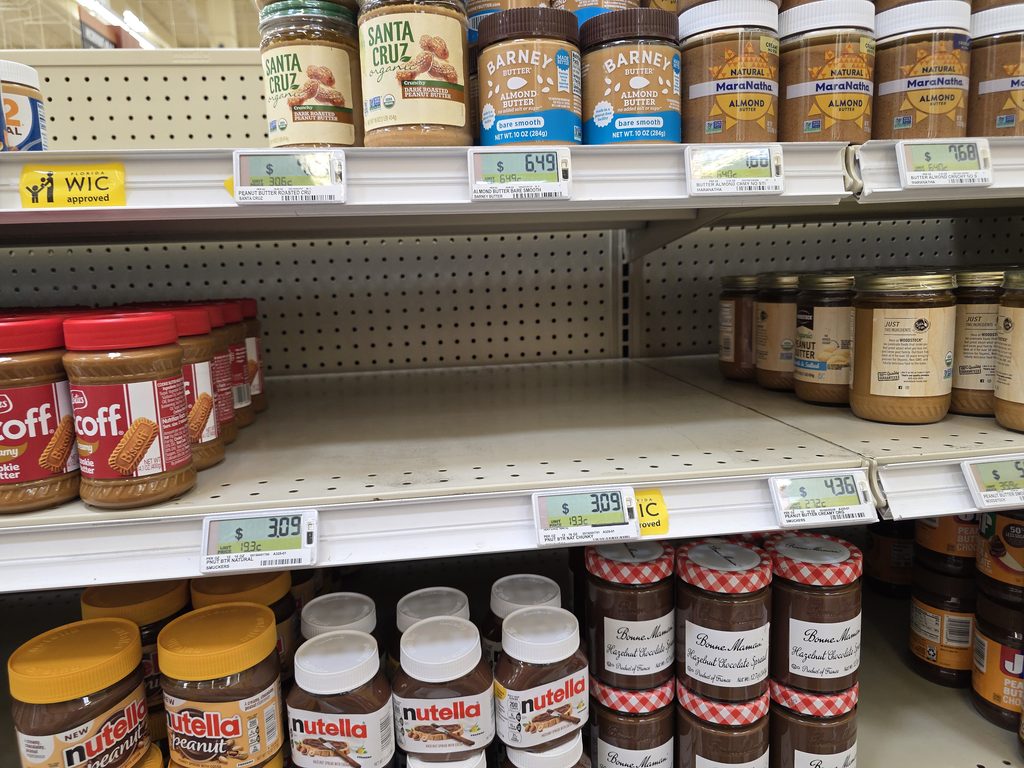
After animal chores, it was off to lunch with friends, then to the store. We were running low on our favorite peanut butter. Which, it turns out, was apparently also quite popular as there was none on the shelves when I got there.
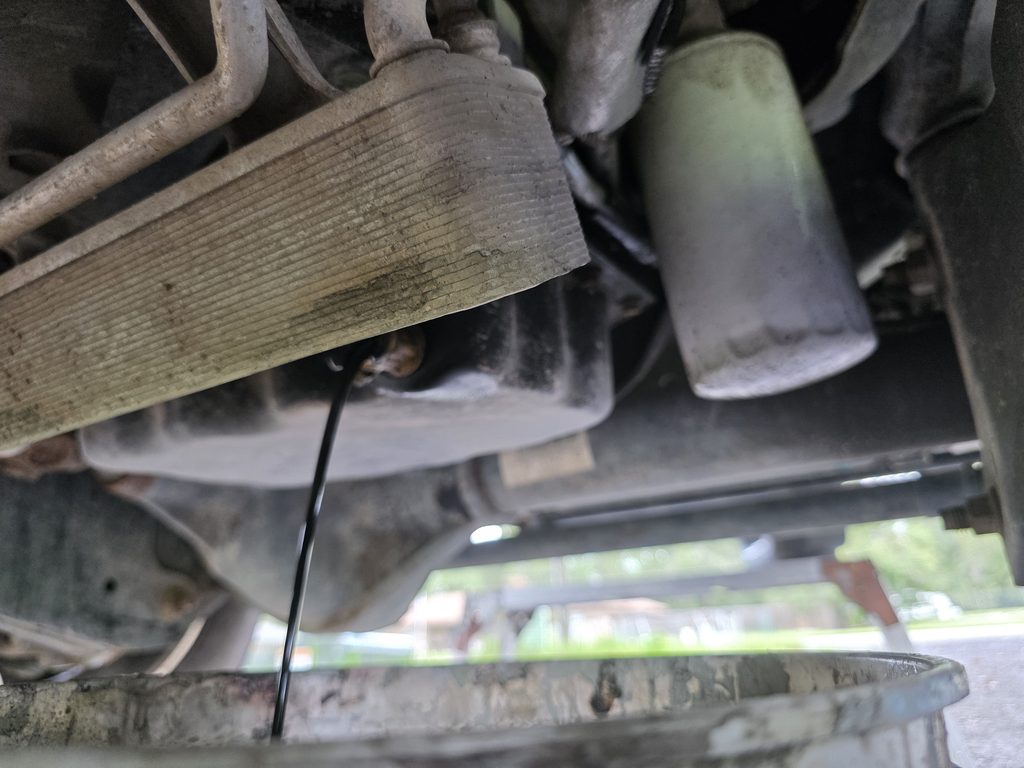
Then it was time to change the oil on the truck. I was going to use my new oil extraction pump, but something wasn’t compatible with the setup – either too long of a hose or it couldn’t get down to the oil pan. I had to by a longer piece of tubing but it still didn’t reach.
Meanwhile, there was chess club. Garrett is learning to play, although he has a bit of trouble with losing.
The rest of the kids had a good time. Jarek and Evan can beat everyone there, however; so we need to find them some stiffer competiiton!
Fortunately, I had a Fumoto valve installed, which made it much less messy.
Normally, this results in a partial oil bath for me as 3 gallons of oil is liberated.
Of course, there is no time to change oil like when you are dodging rain showers!
Activity Relay 3.1.0 and Activity Relay Directory 1.3.0 are released!
Activity Relay 3.1.0 and Activity Relay Directory 1.3.0 are released. This synchronized release brings together some notable improvements in the heartbeat protocol. These enhancements allow a Relay operator to push stats and information to Directory servers automatically, keeping information up to date.
Live installations of the Relay and Directory may be found at:
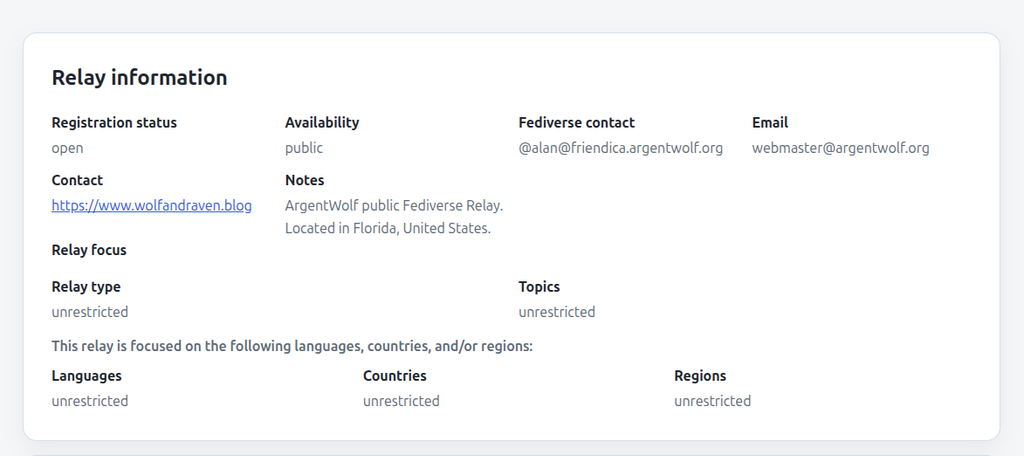
On the Relay itself, the policy information will be presented on the default home page:
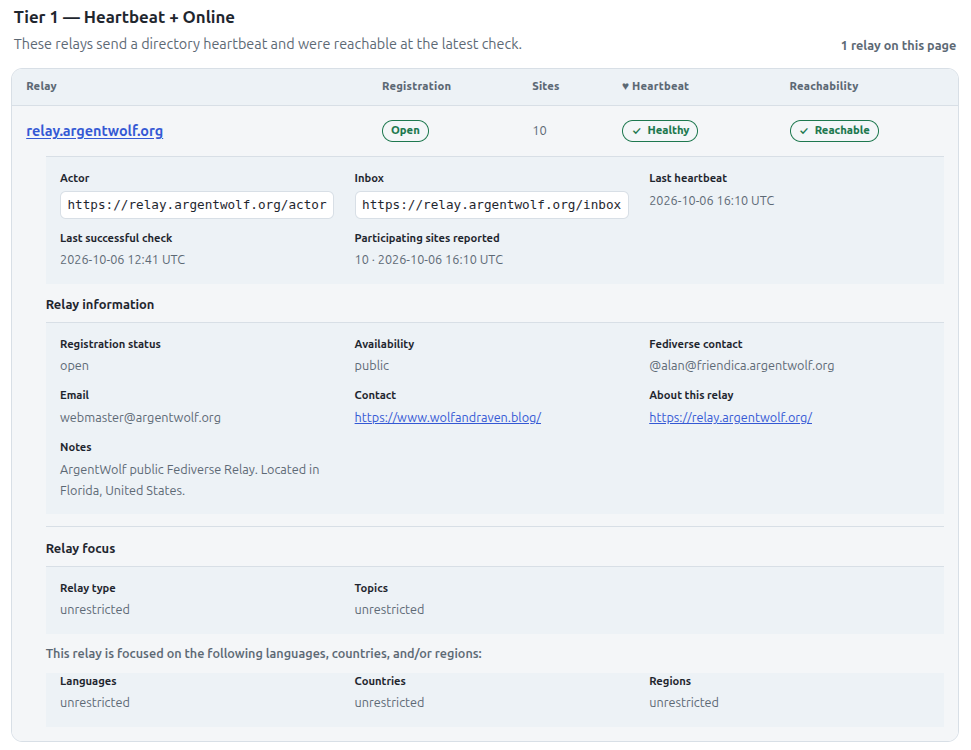
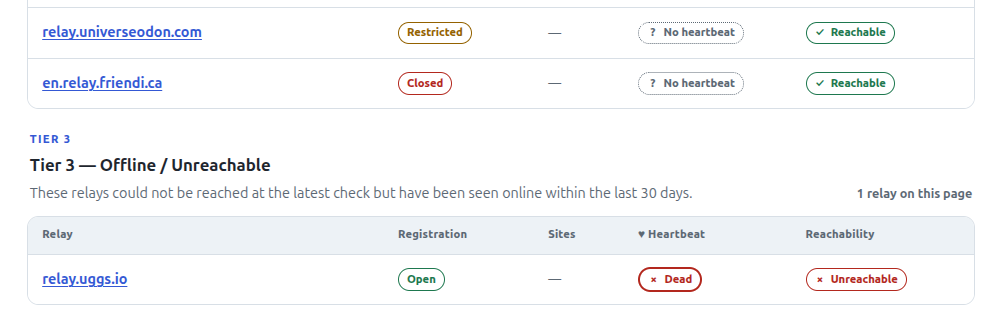
On the Directory, this information will be reflected as well with time stamps on when it was received and last checked for health by the Directory:
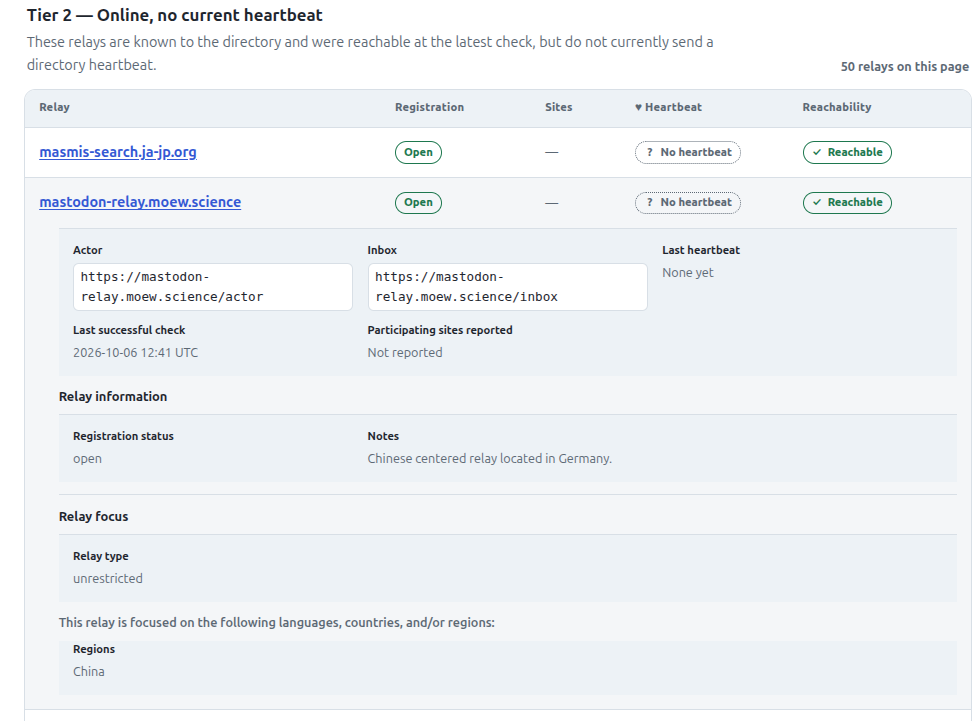
Other relays may be manually added to the Directory by the Directory operator/Admin. I have manually collected a list of Fediverse relays and populated my Directory installation with information about them. These sites are not automatically updated with regard to policy, but are verified as reachable by the Directory server.
Relays that are restricted (Approval Required) or closed to sign ups will appear as such on the Directory. Relays that go offline or are otherwise unreachable will appear in the offline list, eventually moving to the Graveyard after 30 days of offline time. Offline relays can be added the the Directory, but they will not become visible on the index until they pass an online check.
As always, if you want to make your own front facing website, you can disable the built in pages and use your own endpoints!
Comments, feedback, and bug reports are all welcome! Repo links below, available in both .deb and docker images. If you found these useful, please consider a tip to my Ko-fi to support further development! Thank you!